Battery Replacement
If the Kardi Ai app notifies you of a low battery status in your chest strap, it is time to replace it.
Low battery status negatively affects the quality of ECG recordings.
Tools for battery replacement
 Pin - This will serve as a tool to remove the old battery from the sensor cover
 Chest strap with sensor
 New battery - Use only CR2025 batteries from Panasonic or Duracell brands.
Other brands of CR2025 batteries are not recommended by the manufacturer
Using another brand of battery may reduce the quality of recordings or cause the sensor to malfunction.
Battery Replacement Procedure
Turn off the Kardi Ai app
Before starting the battery replacement, it is important to ensure that the Kardi Ai app is turned off in the app manager. This will prevent any complications when restarting the recording.
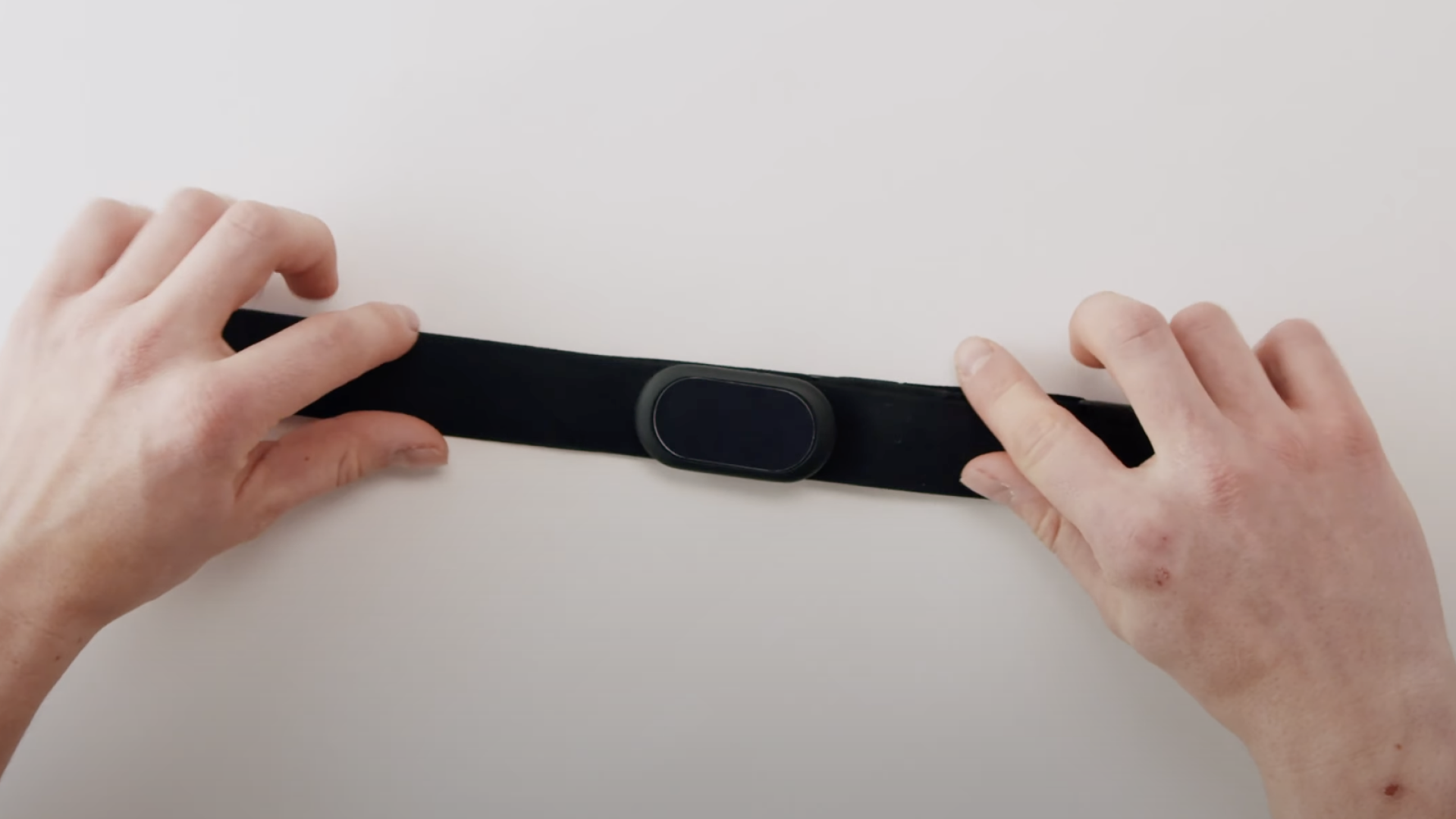 | Prepare the chest strap First, prepare the chest strap so that it is easily accessible and manageable. |
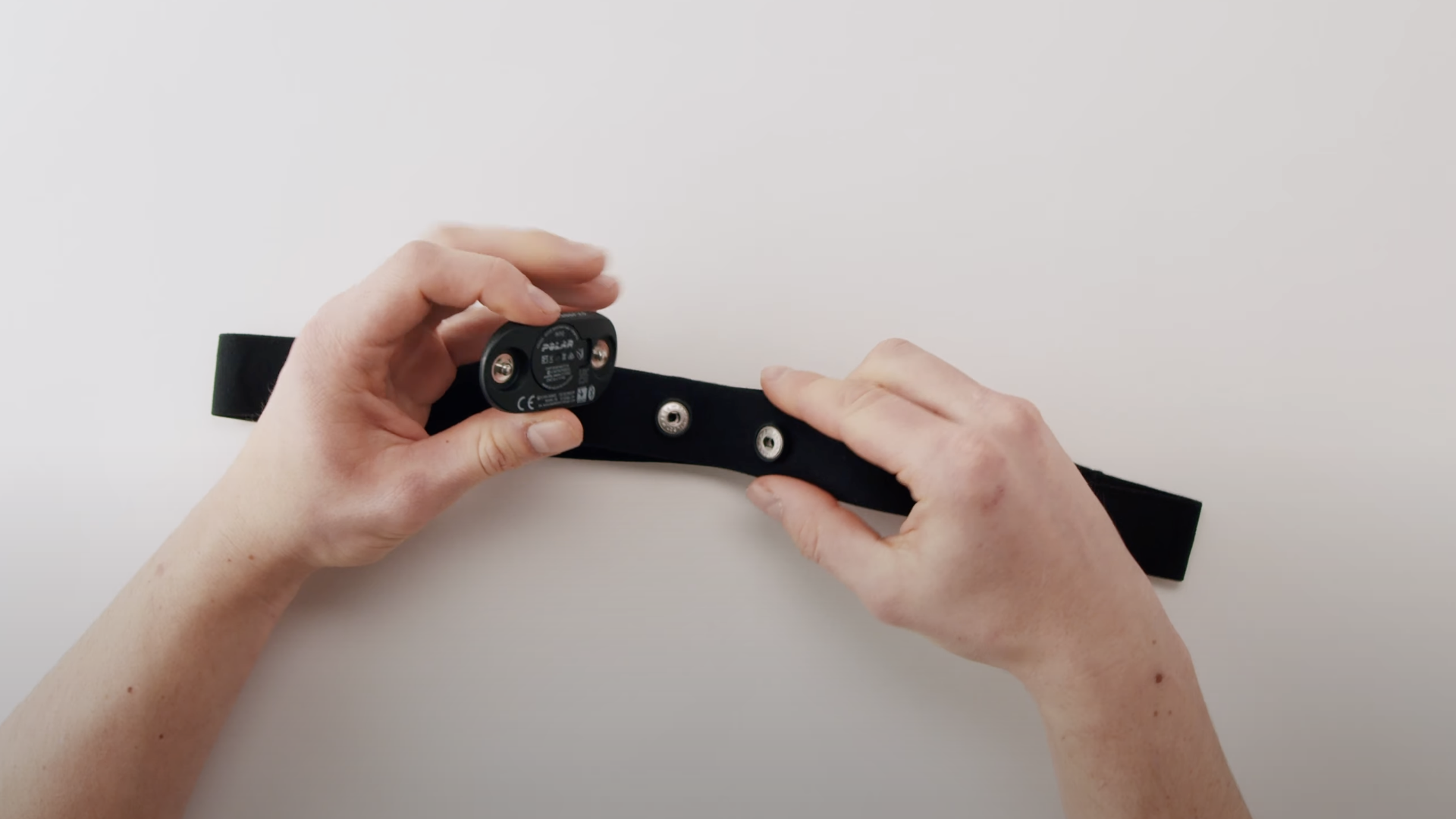 | Detach the sensor Gently detach the sensor from the chest strap to access the battery cover. |
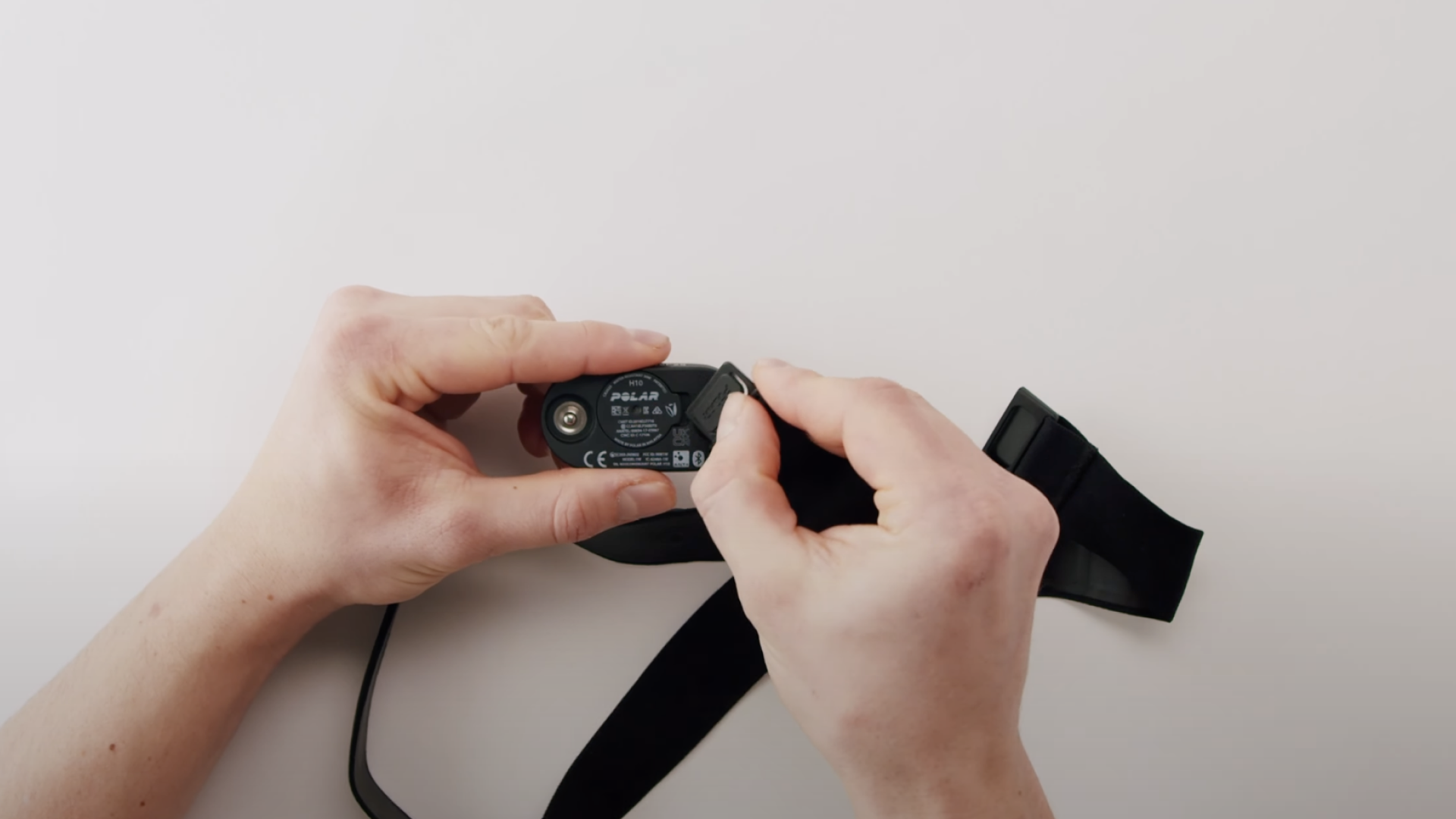 | Open the battery cover Carefully open the cover under which the battery is located using the clip on the chest strap. It will be necessary to apply gentle pressure to release the cover. |
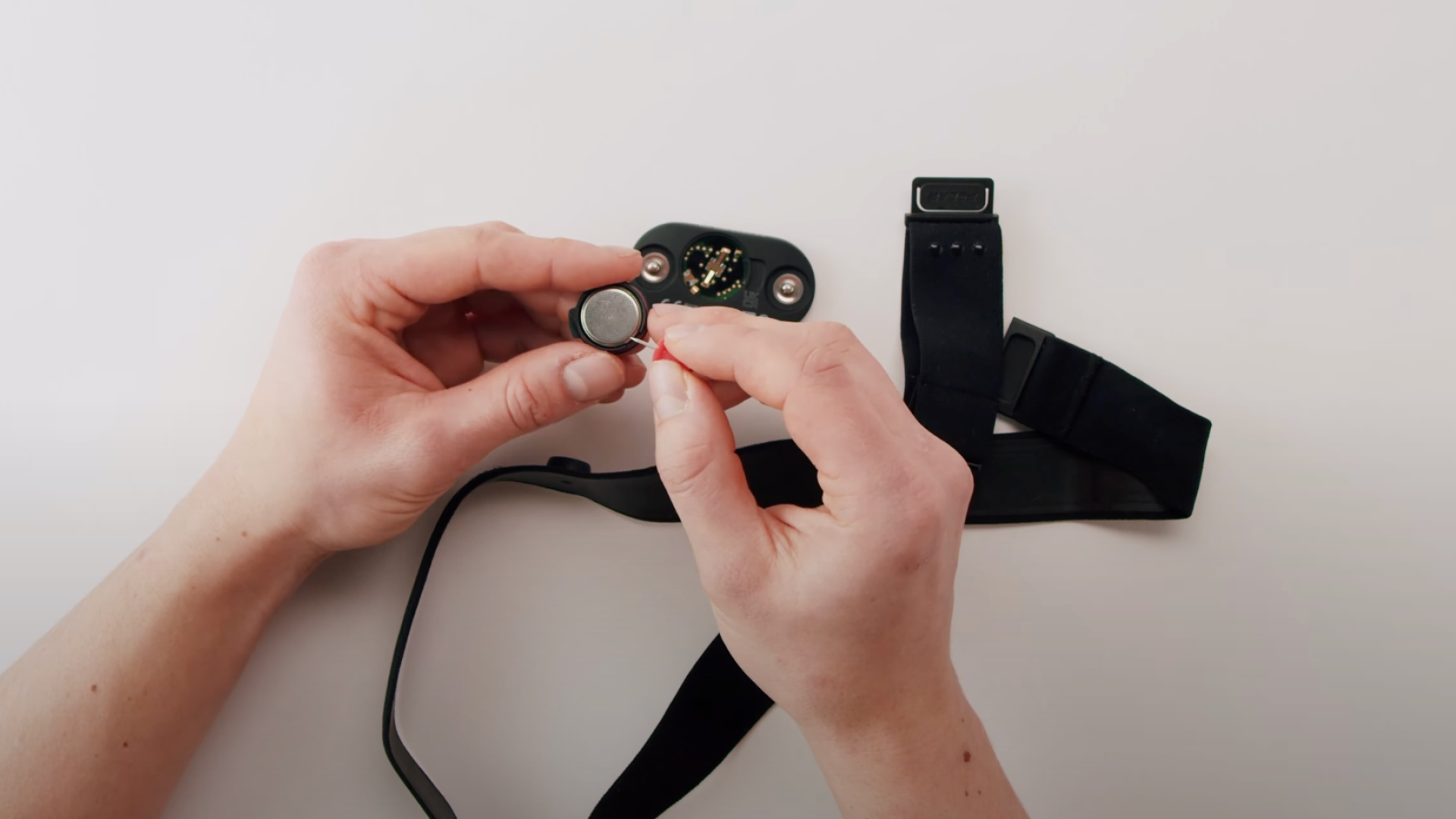 | Remove the old battery Carefully remove the old battery from the sensor cover using a pin. |
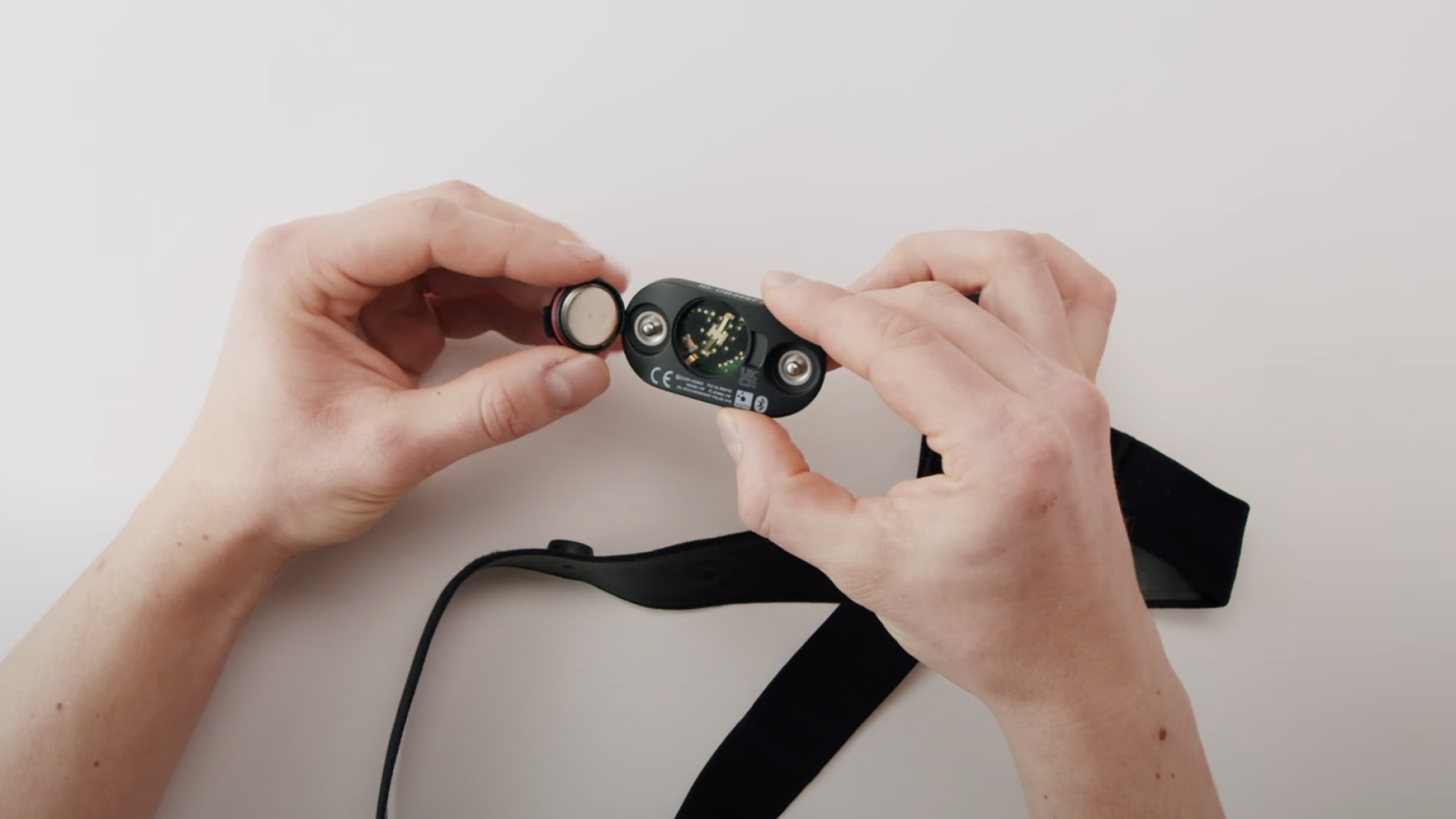 | Insert the new battery Ensure that you insert the new battery with the negative pole facing out. Proper battery placement is crucial for the functionality of your device. |
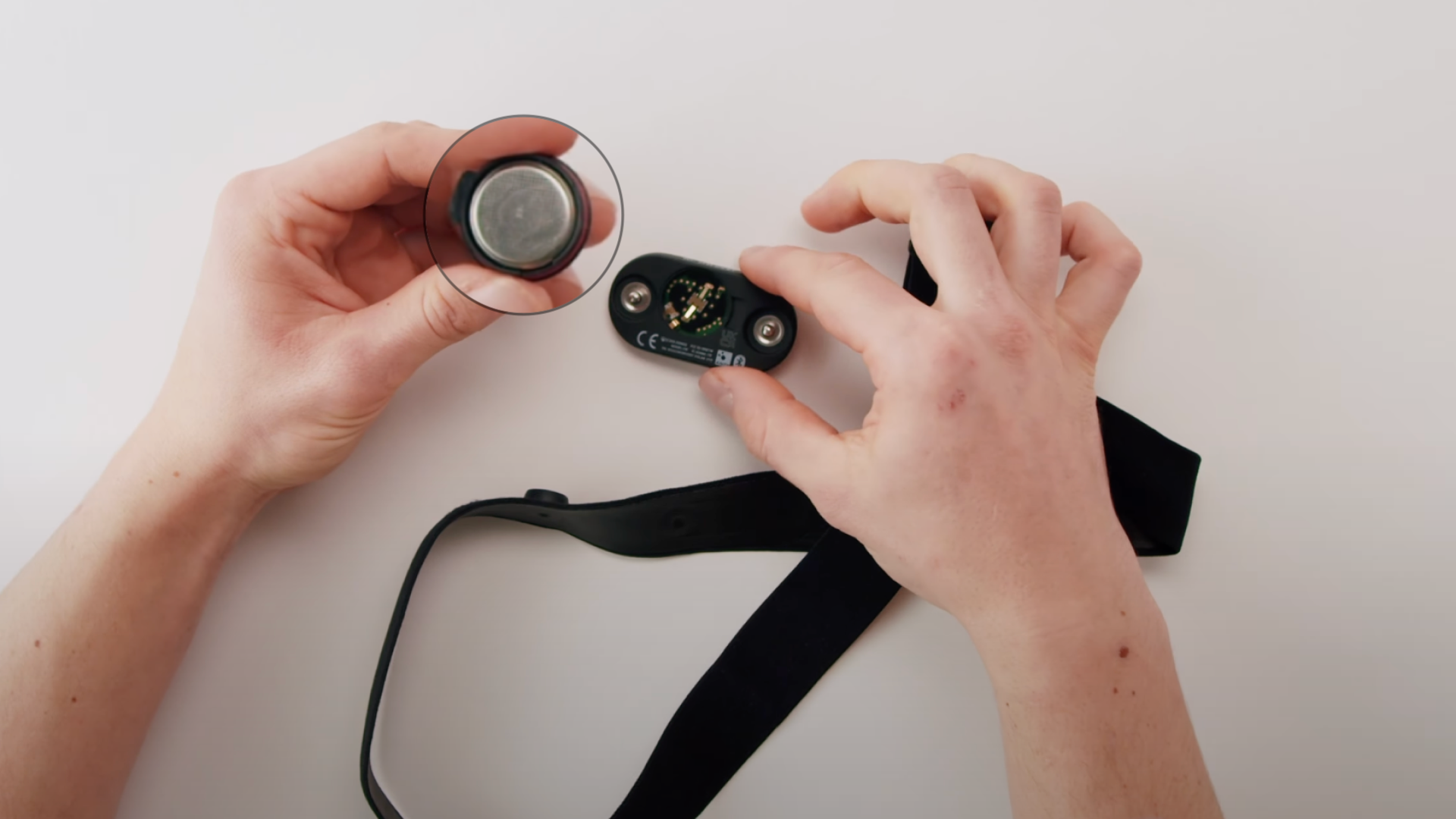 | Check the seal Perform a visual check of the red seal on the sensor cover. Ensure the seal is not damaged or deformed, which could compromise the waterproofness and functionality of the device. |
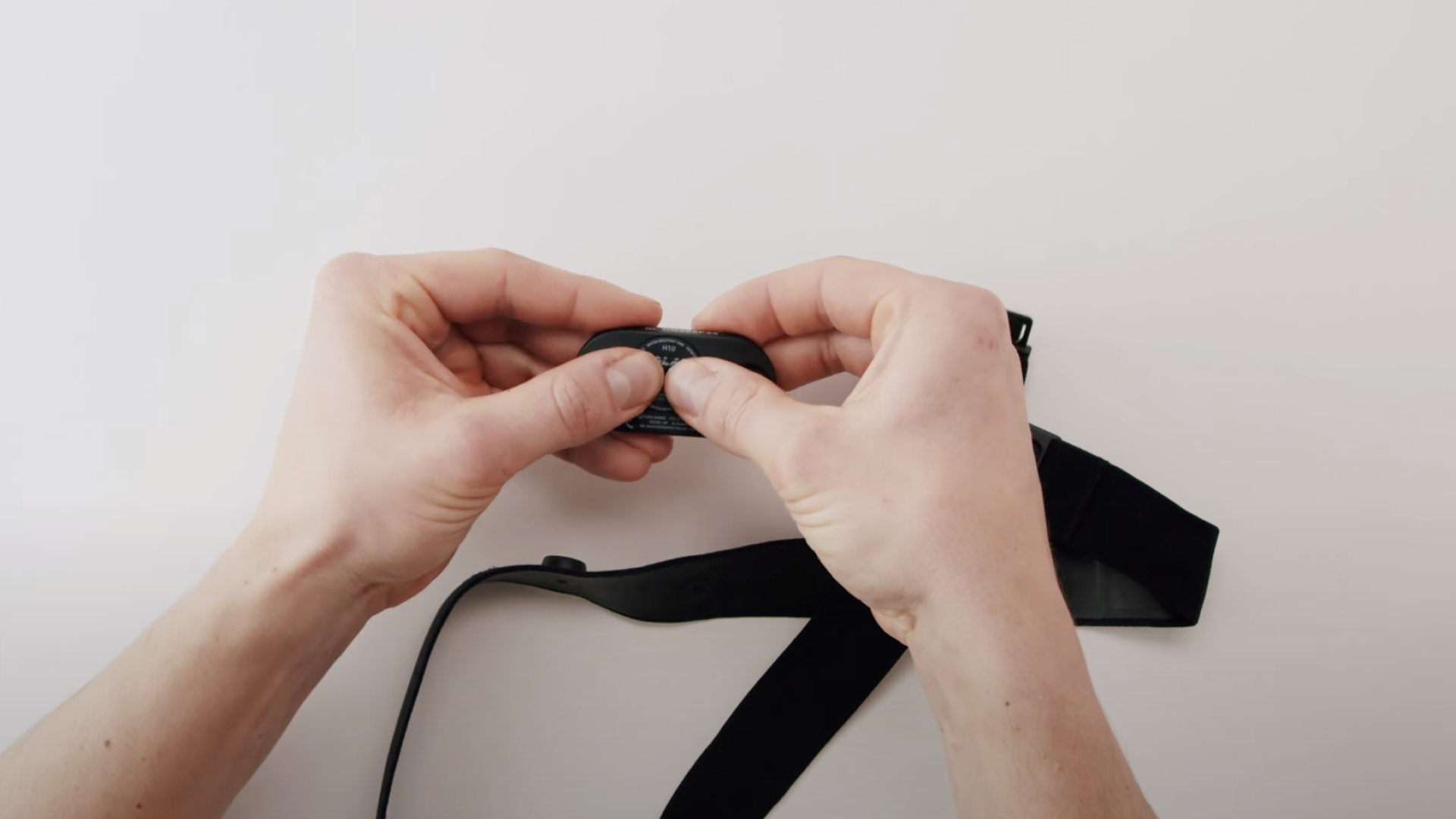 | Close the sensor cover After inserting the new battery, carefully close the sensor cover until you hear a click. |
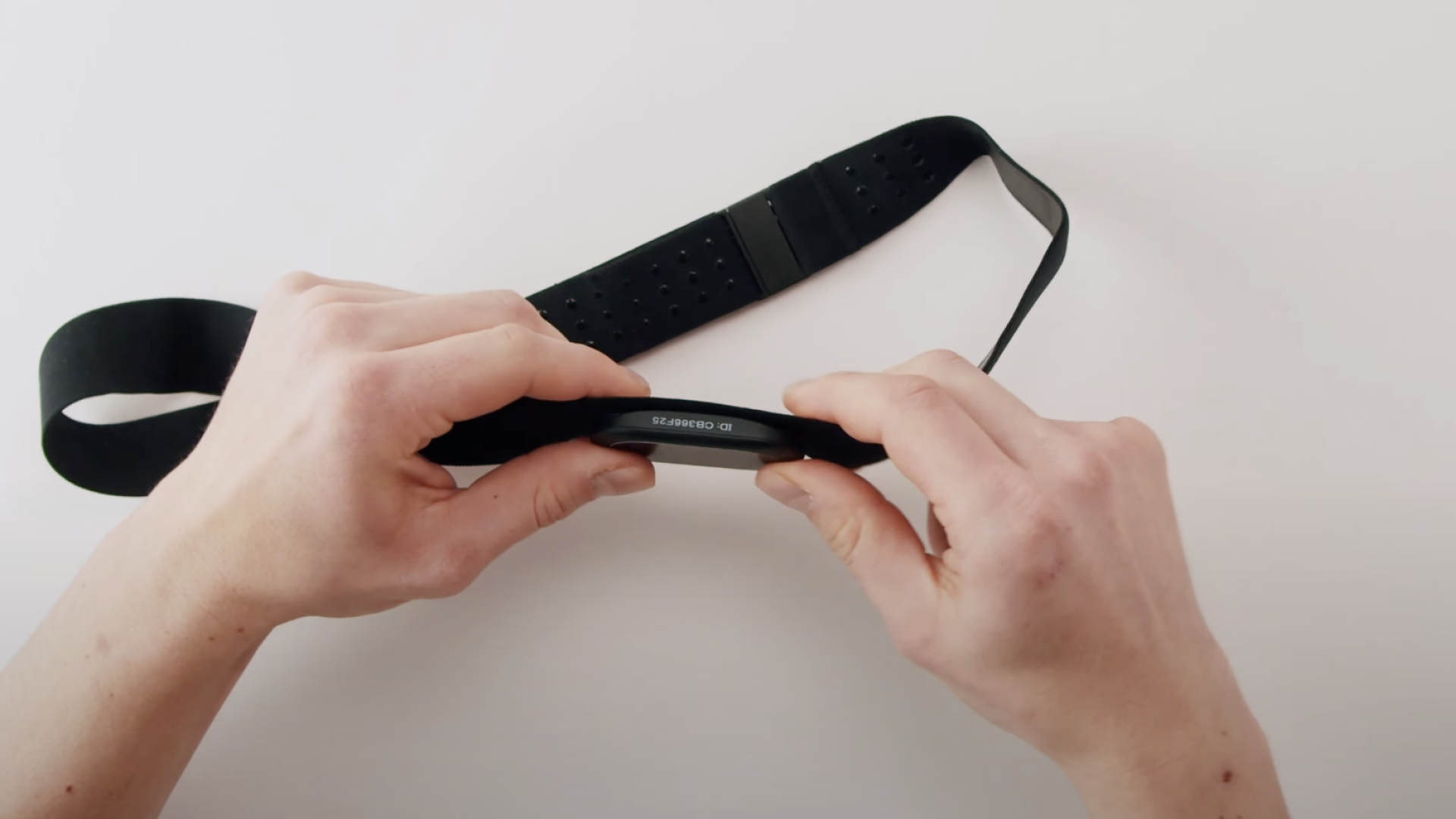 | Attach the sensor to the strap Finally, reattach the sensor to the chest strap. Ensure it is firmly and correctly placed. |
After each ECG measurement, detach at least one electrode from the chest strap to prolong the battery life.
Contact Kardi Ai customer support
☎️ +420 779 998 100
✉️ support@kardi.ai