Signal strength
How to check the strength of the Bluetooth signal between the chest strap and the phone in the Kardi Ai app and how to improve the connection.

The Signal strength screen shows how strongly the phone receives data from the chest strap via Bluetooth. It helps you check the connection if the strap disconnects or the recording is interrupted during a measurement.
-
Open the app settings
In the Kardi Ai app
 go to settings (gear icon).
 -
About the app
In the settings, click on About the app.
-
Service events
Click on Service events.
-
Signal strength
Click on Signal strength.
-
Signal strength chart
- The chart shows the strength of the Bluetooth signal over the last 5 minutes.
- Strong signal (50–100%) – reliable connection without risk of data loss.
- Fair signal (20–50%) – occasional connection drops possible.
- Weak signal (below 20%) – risk of data loss or disconnection.
-
Find your chest strap
- Click the Search for nearby devices button.
- The app shows Polar devices nearby. Your chest strap is marked in the list.
- If your strap is not shown, check that the battery is inserted correctly and is not flat – see Battery Replacement.
Signal strength during measurement
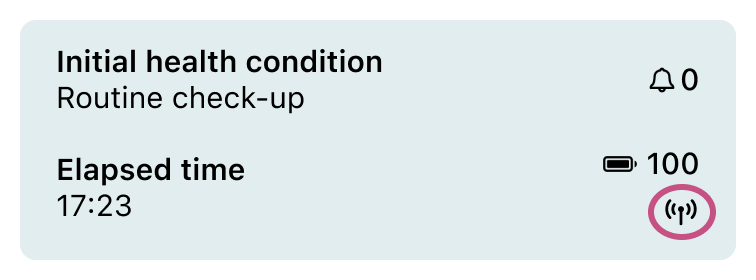
During an ongoing ECG measurement, you can also reach the Signal strength screen directly from the New recording screen – click the signal icon  in the green field with the recording status.
How to improve the signal
- Carry the phone close to the strap, ideally in a front pocket.
- Do not keep the phone behind your body – the human body is largely made of water, which absorbs the Bluetooth signal.
- The signal can also be weakened by clothing between the strap and the phone, a weak sensor battery or interference from Wi-Fi and other Bluetooth devices nearby.
Contact Kardi Ai customer support
☎️ +420 779 998 100
✉️ support@kardi.ai